Unified Inbox
Give your team one place to see every message, understand the customer, and respond with context.






Turning customer questions, complaints, and feedback into data you can act on.
Make better decisions from the conversations your customers already have with you.
Give your team one place to see every message, understand the customer, and respond with context.
Keep each customer’s interests, complaints, orders, and past conversations together so nothing gets forgotten.
See what customers keep asking for, so your team can restock, launch, and promote the right products.
See what customers are saying about your products without reading every conversation manually.
Hoodie
Product Feedback for last 30 days
Recent feedback · Hoodie
Hoodie
Product Feedback for last 30 days
Recent feedback · Hoodie
Use support conversations to guide product, operations, marketing, and team decisions.
Outlined spots potential complaints and helps your team create tickets faster with less manual review.
the perfume i ordered arrived damaged
Customer states the perfume order arrived damaged with visible leakage on arrival.
Product-quality follow-up is required with replacement review.
Product quality
Ticket Created
Perfume order arrived damaged with leakage. Replacement review required.
the perfume i ordered arrived damaged
Customer states the perfume order arrived damaged with visible leakage on arrival.
Product-quality follow-up is required with replacement review.
Product quality
Ticket Created
Perfume order arrived damaged with leakage. Replacement review required.
Outlined automatically finds a customer's details across connected Shopify stores using an order number, phone number, or email.
Connect your Outlined data to Claude or GPT. Ask questions, analyse conversations, and uncover customer insights in your AI workspace.
Connect your channels, add your team, and start from a shared inbox in minutes.

Easy Setup step 01
Once connected, historical conversations are synced so your team does not start with an empty inbox.
Easy Setup step 02
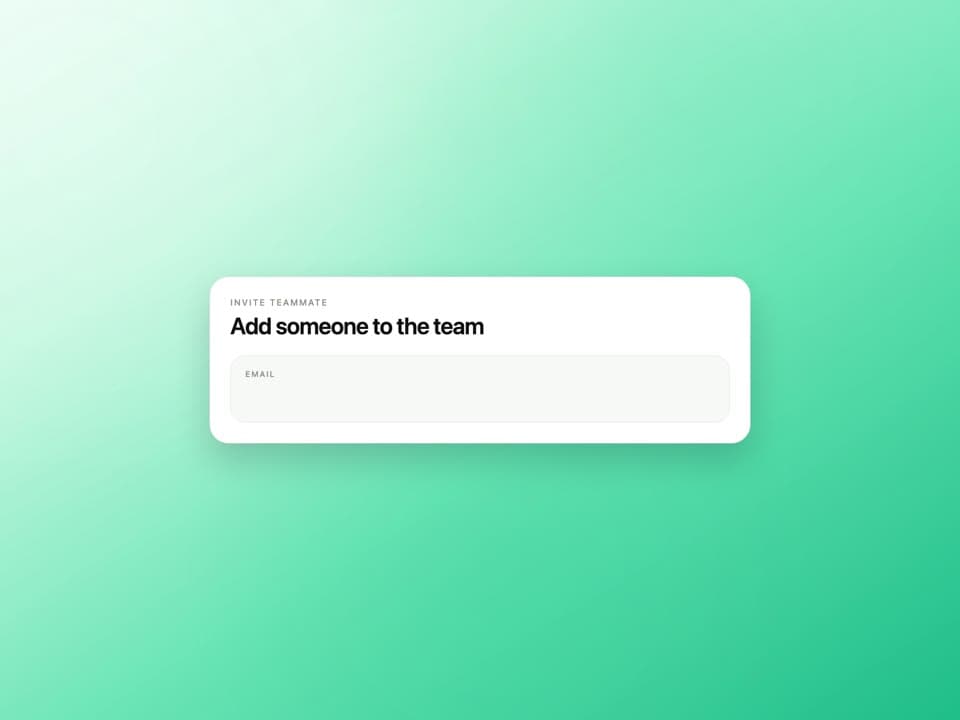
Create multiple teams, invite team members, set roles, and get everyone working from day one.

Easy Setup step 03
Everything is in place, your team is inside, and the shared inbox is ready for real conversations immediately.
Keep the context close, bring the right teammate in, and give everyone the access they need. Built into the way your team already works.
Leave a private note right in the conversation. @mention a teammate who has access to bring them in, with the customer context already there.
Set roles and control access to pages, channels, and connected accounts. Choose which actions each person can take, from tagging to managing tickets.
Find a saved reply, bring it into your message, and tailor it to the customer. Less repeat typing, more consistent answers.
Assign teammates to tags so the right people have visibility into the conversations they handle.
See when another teammate is viewing or typing in the same conversation, so you can coordinate before replying.
One shared workspace. Predictable monthly pricing. Start with the plan that fits your team, and grow from there.
More conversations, more teammates. A shared workspace for growing support teams.
$279USD / month
Start free trialIncluded every month
7 days free. Card required. Automatically renews at $279/month plus tax unless canceled. No trial overages. Extra usage after the trial is controlled by your workspace owner.
Need more? You decide which extra usage is allowed.
Compare plans and usageShort, direct answers about setup, channels, reporting, and where Outlined creates the most leverage for support teams.
